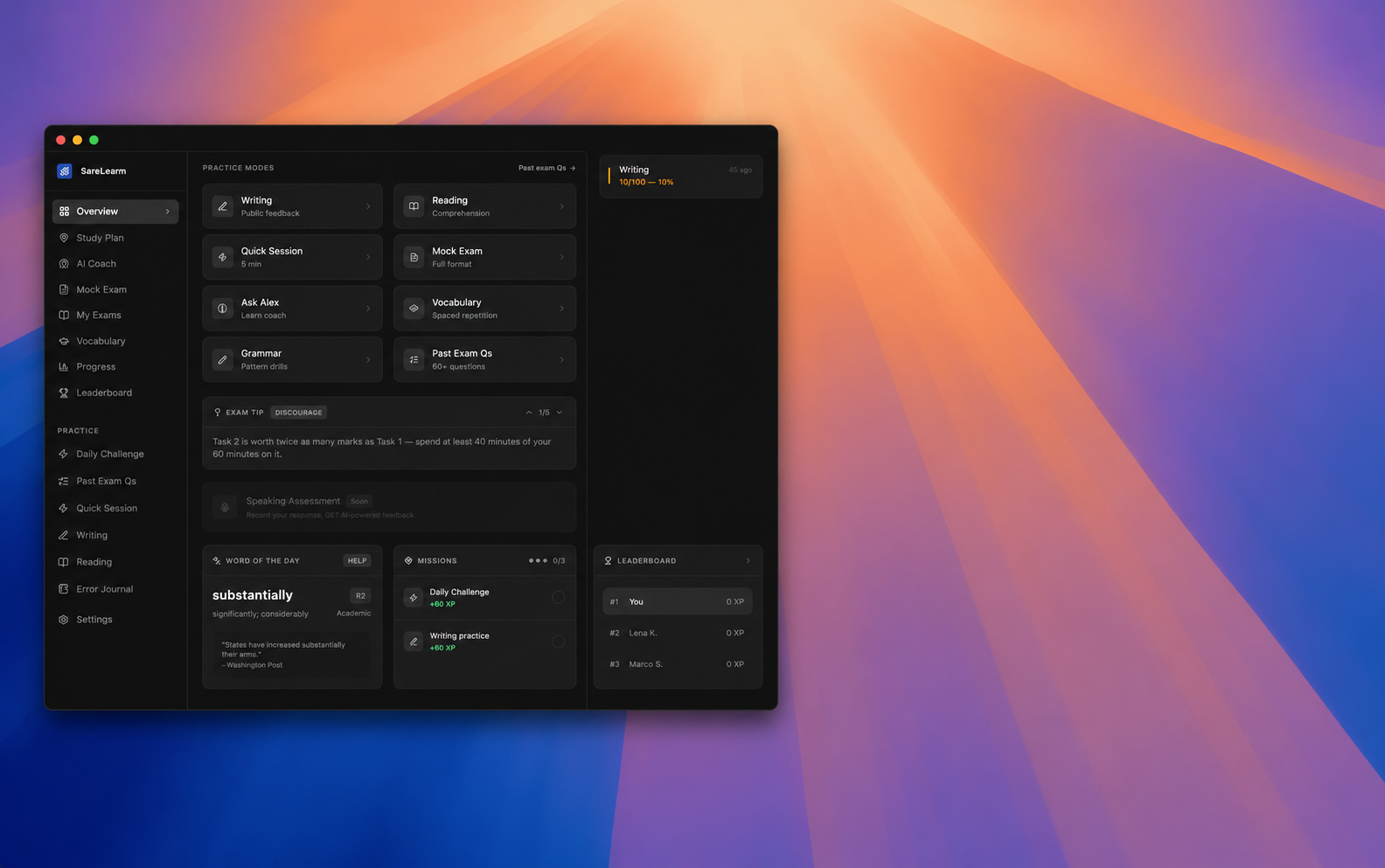
SareLearn on your desktop
Native app experience. Same AI coach, same exams, same progress — now as an installable app for Windows.
Why the desktop app?
Works in your browser too
The desktop app is an optional wrapper — the web app at examapp-six.vercel.app always works.
Session persists
Stay logged in across launches. Your cookies are stored in a private, sandboxed partition.
Auto-updates
The app checks for new versions on startup and updates silently in the background.
How to install
- 1
Download the installer
Click the button above to download SareLearn Setup 1.0.0.exe.
- 2
Run the installer
Double-click the downloaded file. Click 'Install' — no admin rights needed by default.
- 3
Sign in or register
The app opens the SareLearn web app in a native window. Create a free account or sign in.
- 4
Stay in flow
Your session persists between launches. Use the system tray icon to quickly open Alex or your dashboard.
Windows SmartScreen warning
Because the installer is not yet code-signed, Windows may show a SmartScreen prompt. Click "More info" then "Run anyway" — the app is safe and open source.
Prefer the web version?
Back to SareLearn.com